Introduction
Starting your journey on a new social media platform can sometimes feel confusing. Friend Line is designed to keep things simple, so creating an account takes only a few minutes.
Step 1: Download the App
Visit the Google Play Store, search for “Friend Line”, and tap the download button. Once installed, open the app.
Step 2: Choose “Login”
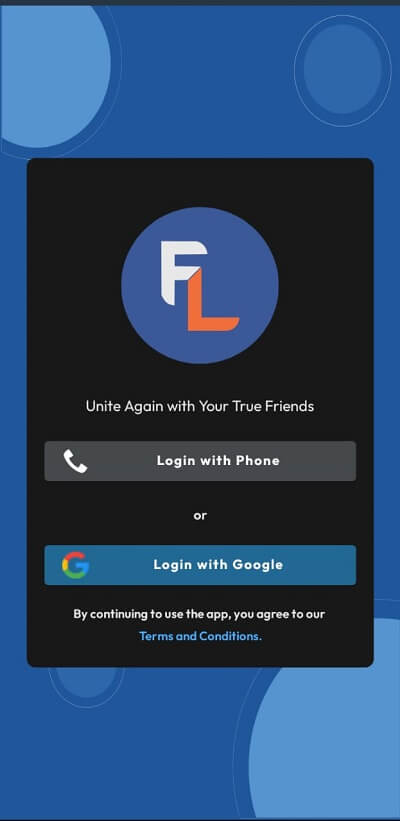
When you launch the app, you’ll see two options: Login with phone or login with google account. choose your required methods
once your logged in it will check your data .if your are already existing user it will redirect you to home page else it will ask you to some details
Step 3: Enter Your Details
Provide some basic information such as:
- Full Name
Step 5: Set Up Your Profile
After registration, personalize your profile:
- Add a profile picture
- Write a short bio
- Optionally include location or interests
Step 6: Start Exploring
Now your account is ready. You can:
- Post photos and videos
- Like and comment on posts
- Send private messages
- Follow friends and discover new people
Tips for a Great Start
- Upload a clear profile picture
- Use a short, friendly bio
- Connect with people you know first
Conclusion
Creating an account on Friend Line is quick and simple. Download the app today and start building your social circle.